
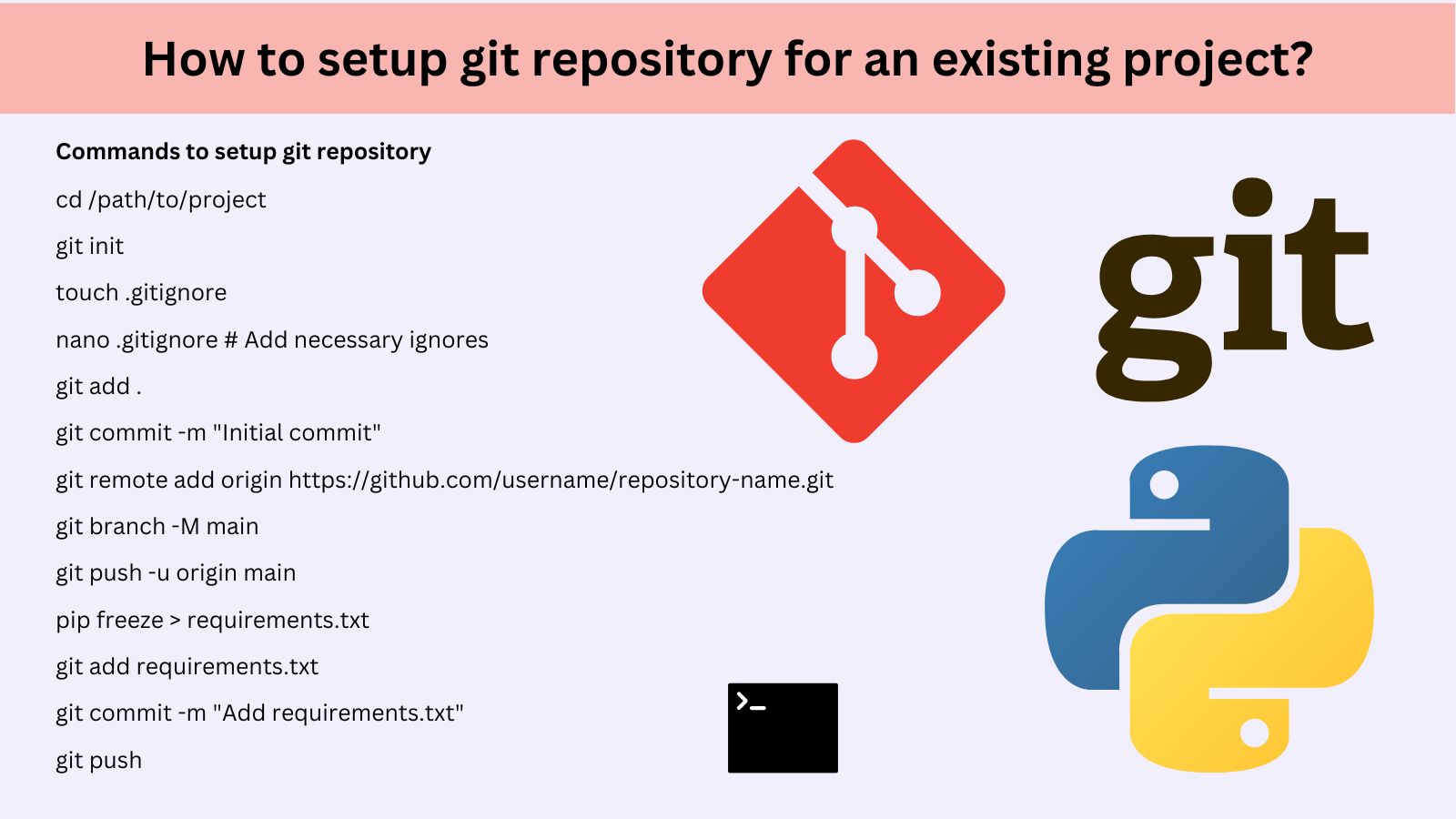
Setting up a Git repository for an existing Python Project.
Setting up a Git repository for an existing Python web application involves the following steps:
1. Initialize a Git Repository
Navigate to your project directory:
cd /path/to/your/project
Initialize a Git repository:
git init
2. Add a .gitignore File
A .gitignore file tells Git which files and directories to ignore. For a Python web application, a typical .gitignore file includes:
# Python bytecode
__pycache__/
*.py[cod]
# Virtual environments
env/
venv/
*.env
# Logs
*.log
# OS files
.DS_Store
Thumbs.db
# IDE configurations
.vscode/
.idea/
# Database
*.sqlite3
# Secrets
config.yaml
.env
Create the .gitignore file:
touch .gitignore
Open it in your editor and paste the content above.
3. Commit Existing Code
Stage all files:
git add .
Commit the changes:
git commit -m "Initial commit of the existing Python web application"
4. Connect to a Remote Repository
Create a new repository on GitHub, GitLab, or any other Git hosting service.
Add the remote repository URL to your local repository:
git remote add origin https://github.com/username/repository-name.git
5. Push to the Remote Repository
Push your local commits to the remote repository:
git branch -M main
git push -u origin main
6. Setup Branching (Optional)
If you plan to have multiple contributors or use Git branching:
Create and switch to a development branch:
git checkout -b develop
Push it to the remote:
git push -u origin develop
7. Install Dependencies via Requirements File
If your application uses Python dependencies:
Generate a requirements.txt file:
pip freeze > requirements.txt
Add and commit it:
git add requirements.txt
git commit -m "Add requirements.txt"
8. Collaborator Access (Optional)
If you’re working with a team:
Invite collaborators via your Git hosting platform.
Set up branch protection rules to ensure code reviews before merging.
9. Configure CI/CD Pipelines (Optional)
Set up Continuous Integration/Continuous Deployment pipelines for testing, building, and deploying your application (e.g.,
GitHub Actions, GitLab CI/CD).
10. Document Repository
Add a README.md file to describe your project and instructions for setting it up locally:
i) Create the file:
touch README.md
ii) Open it in your editor and write an overview of the project.
iii) Add and commit it:
git add README.md
git commit -m "Add README.md"
Example Commands Recap
cd /path/to/project
git init
touch .gitignore
nano .gitignore # Add necessary ignores
git add .
git commit -m "Initial commit"
git remote add origin https://github.com/username/repository-name.git
git branch -M main
git push -u origin main
pip freeze > requirements.txt
git add requirements.txt
git commit -m "Add requirements.txt"
git push
Your repository is now ready for collaboration and version control!
More:
SEO Work Around Step by Step